
For DeFi newcomers eager to unlock the full potential of Arbitrum, few platforms rival GMX in terms of transparency, flexibility, and on-chain leverage. As of now, GMX trades at $15.49, reflecting its status as a core pillar of the Arbitrum ecosystem. Whether you want to swap assets or trade perpetual contracts with up to 50x leverage, this step-by-step guide will help you navigate GMX from setup to your first trade.
Why Choose GMX for Arbitrum Trading?
GMX stands out by offering both spot swaps and perpetual trading in a single, intuitive interface. It leverages Chainlink oracles for accurate pricing and utilizes a multi-asset liquidity pool (GLP) to provide deep liquidity. This means lower slippage, transparent fee structures, and robust risk management tools - all essential for new traders looking to build sustainable strategies.
Step 1: Setting Up Your Wallet for Arbitrum
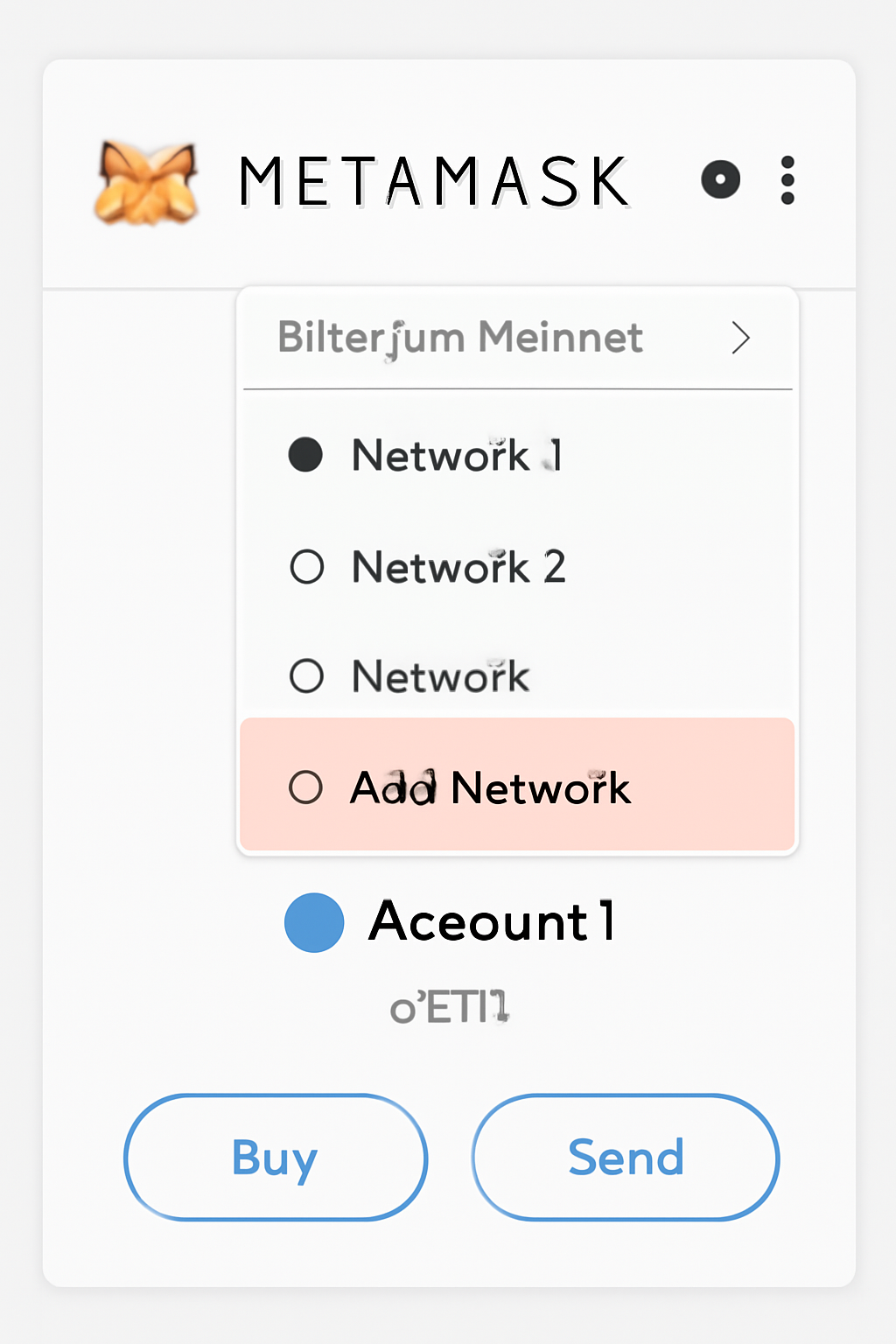
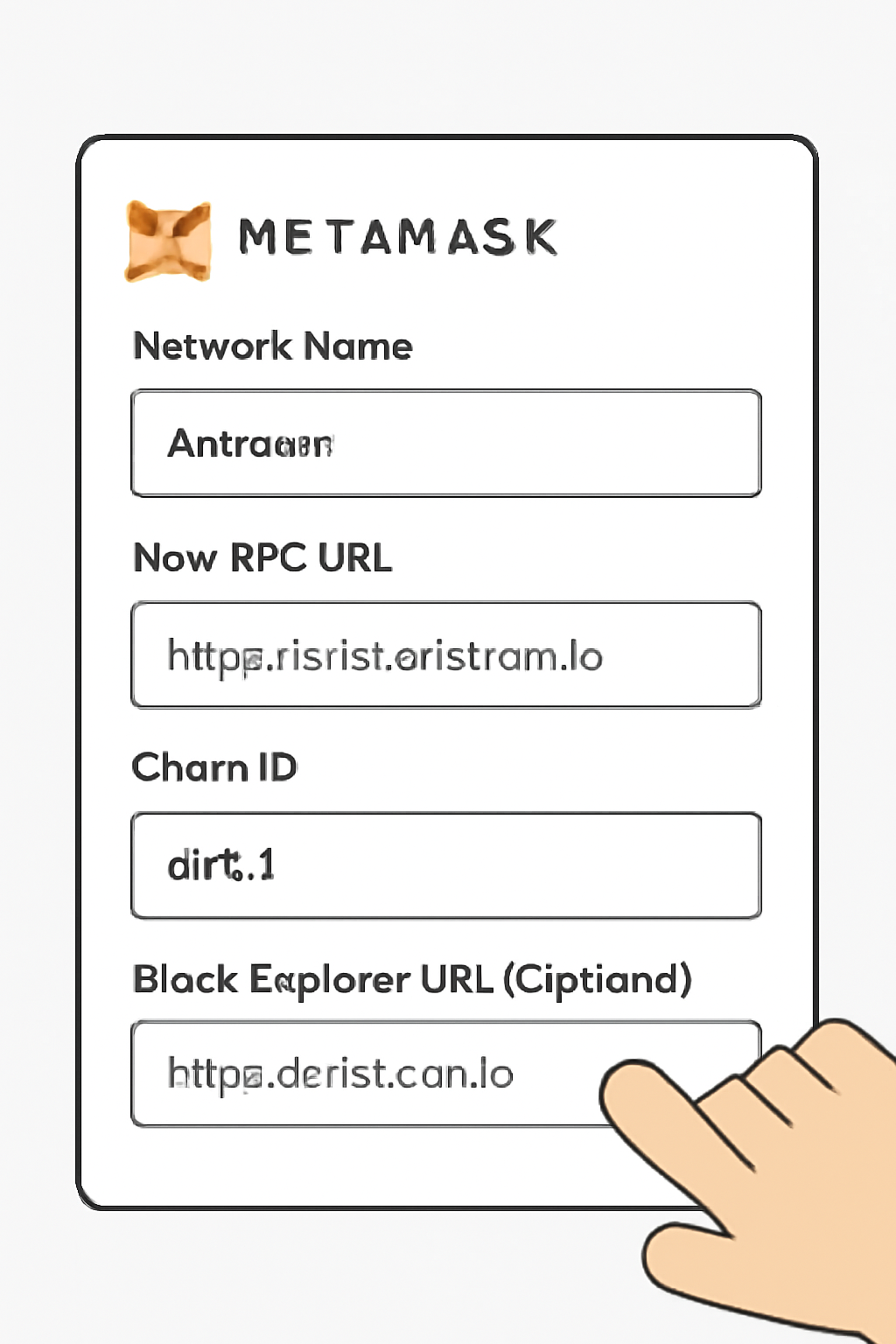
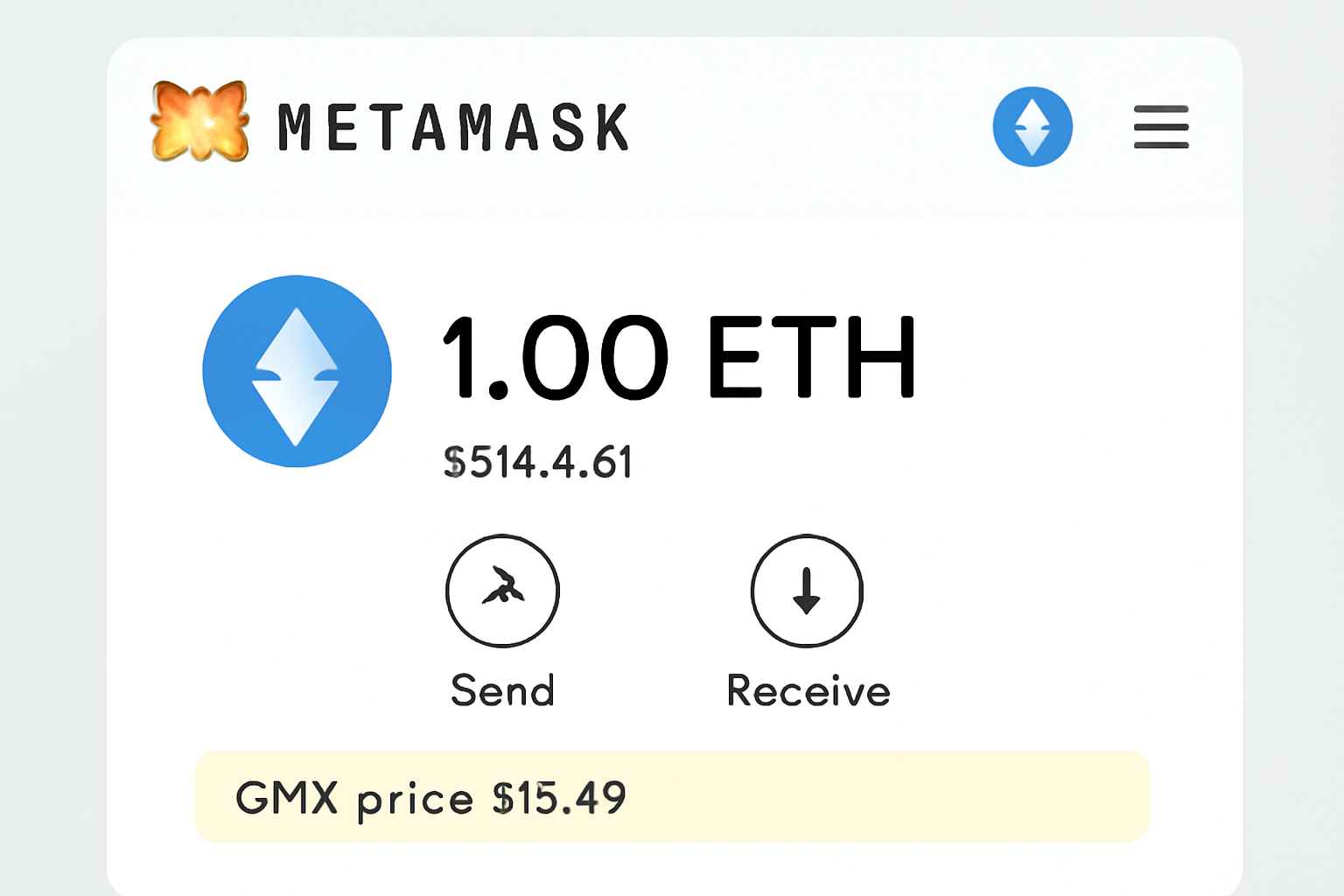
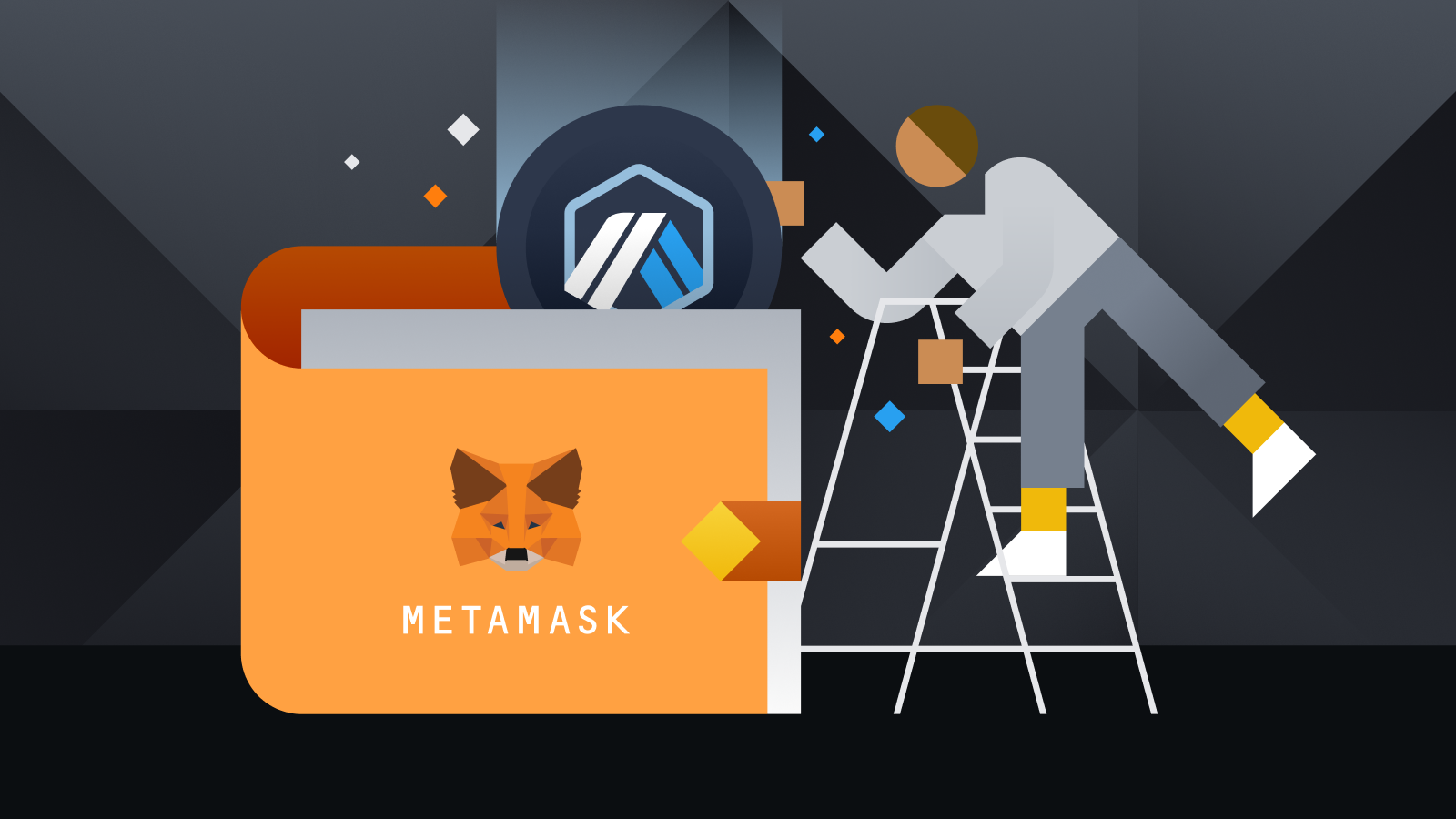
The first step in any GMX trading tutorial is wallet preparation. You’ll need a Web3-compatible wallet like MetaMask configured for the Arbitrum network. If you haven’t already added Arbitrum to MetaMask, follow the official instructions found in the GMX documentation. Double-check that your network is set to Arbitrum before proceeding, this ensures seamless connectivity with GMX’s smart contracts.
How to Add the Arbitrum Network to MetaMask
Step 2: Funding Your Wallet with ETH on Arbitrum
All transactions on Arbitrum require ETH for gas fees and as collateral on GMX. If your ETH is still on Ethereum mainnet, bridge it over using the official Arbitrum Bridge (see the documentation above). Once bridged, confirm that your wallet balance reflects the transferred amount, this is critical before attempting any trades.
Tip: Some centralized exchanges now allow direct withdrawal of ETH to Arbitrum, check if your provider supports this for faster onboarding.
Step 3: Connecting Your Wallet and Exploring GMX’s Interface
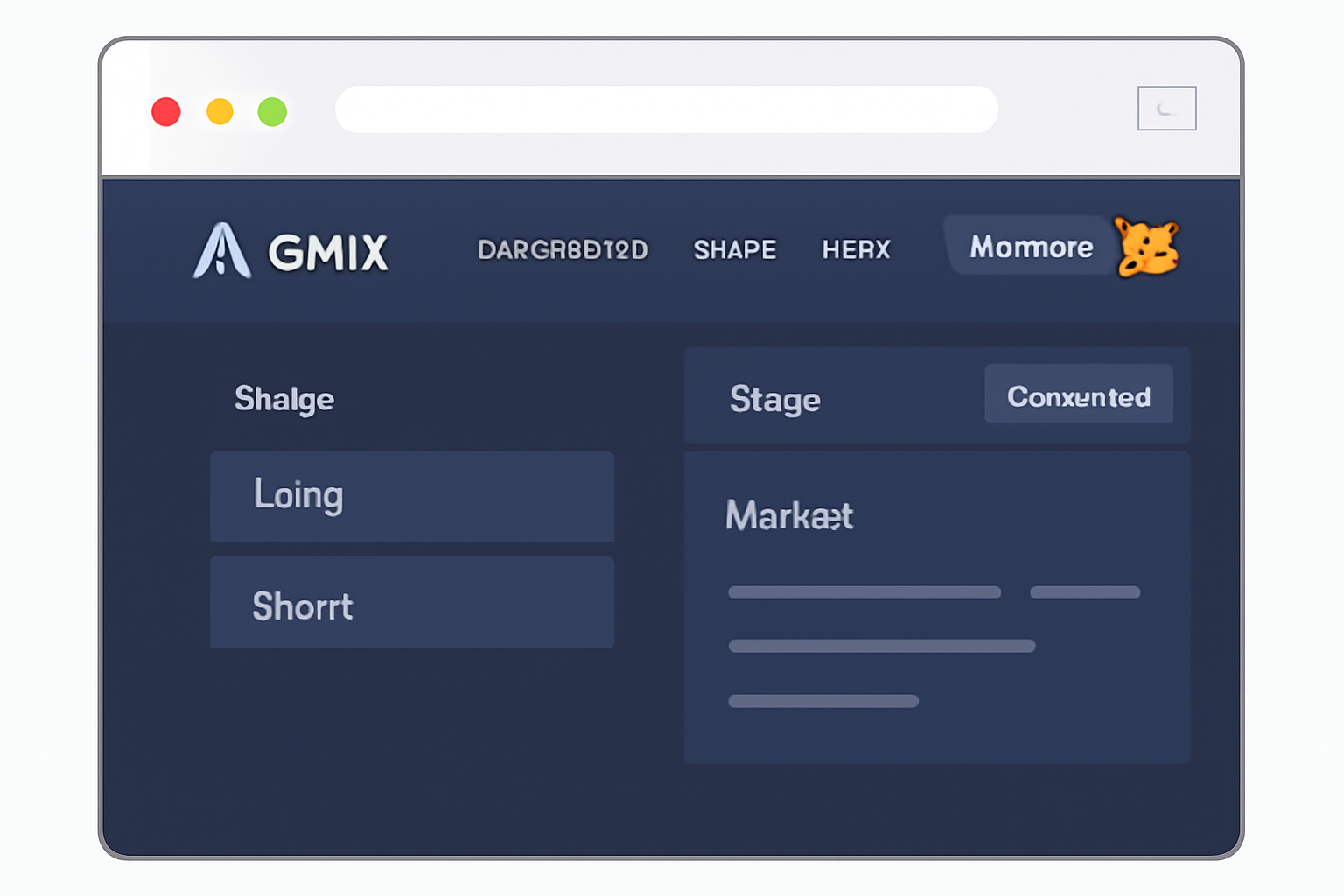
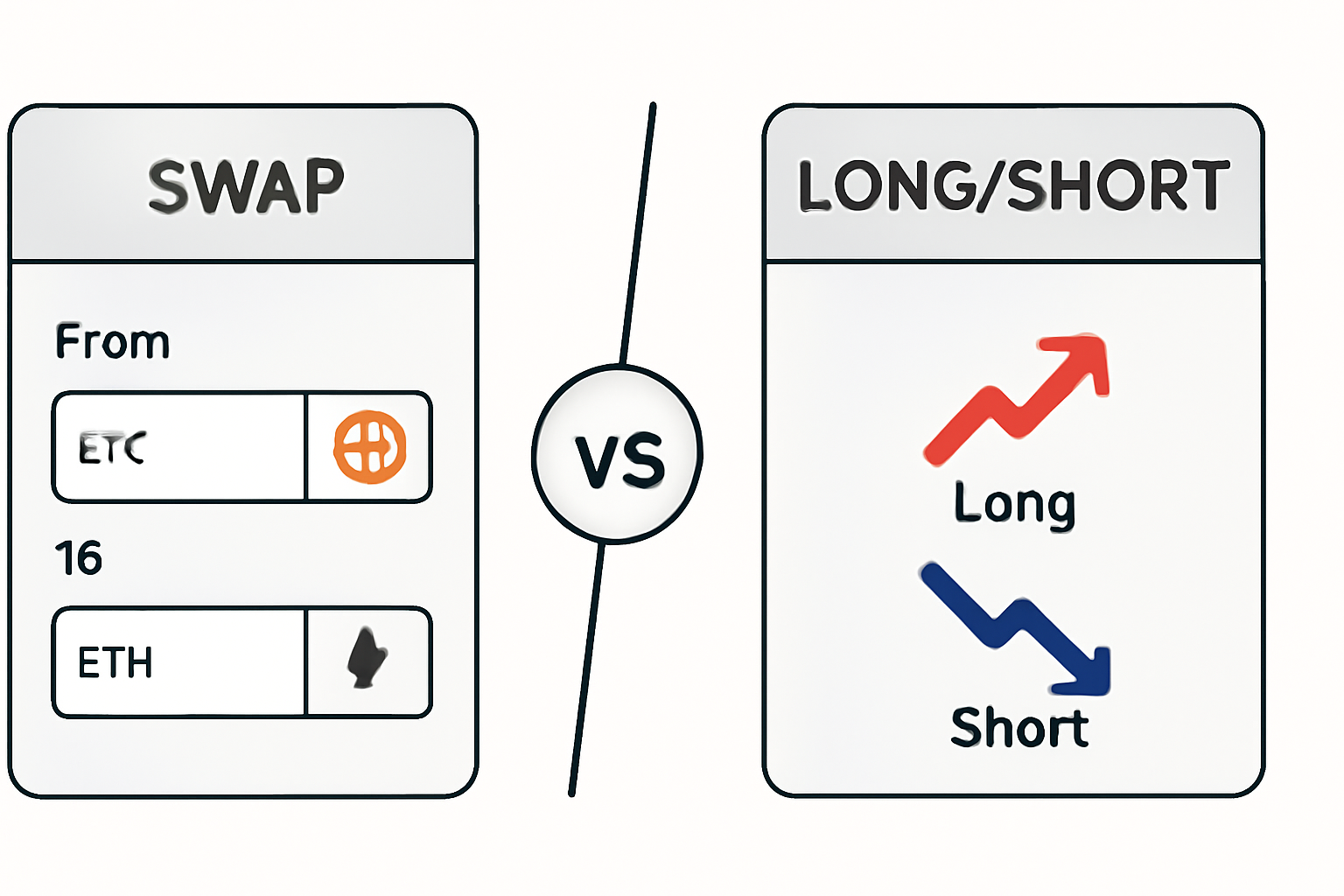
Navigating to app. gmx. io/#/trade, click "Connect Wallet" and select MetaMask or your preferred provider. Approve all prompts in your wallet, ensure you’re still on the Arbitrum network during this process. Once connected, familiarize yourself with two primary tabs:
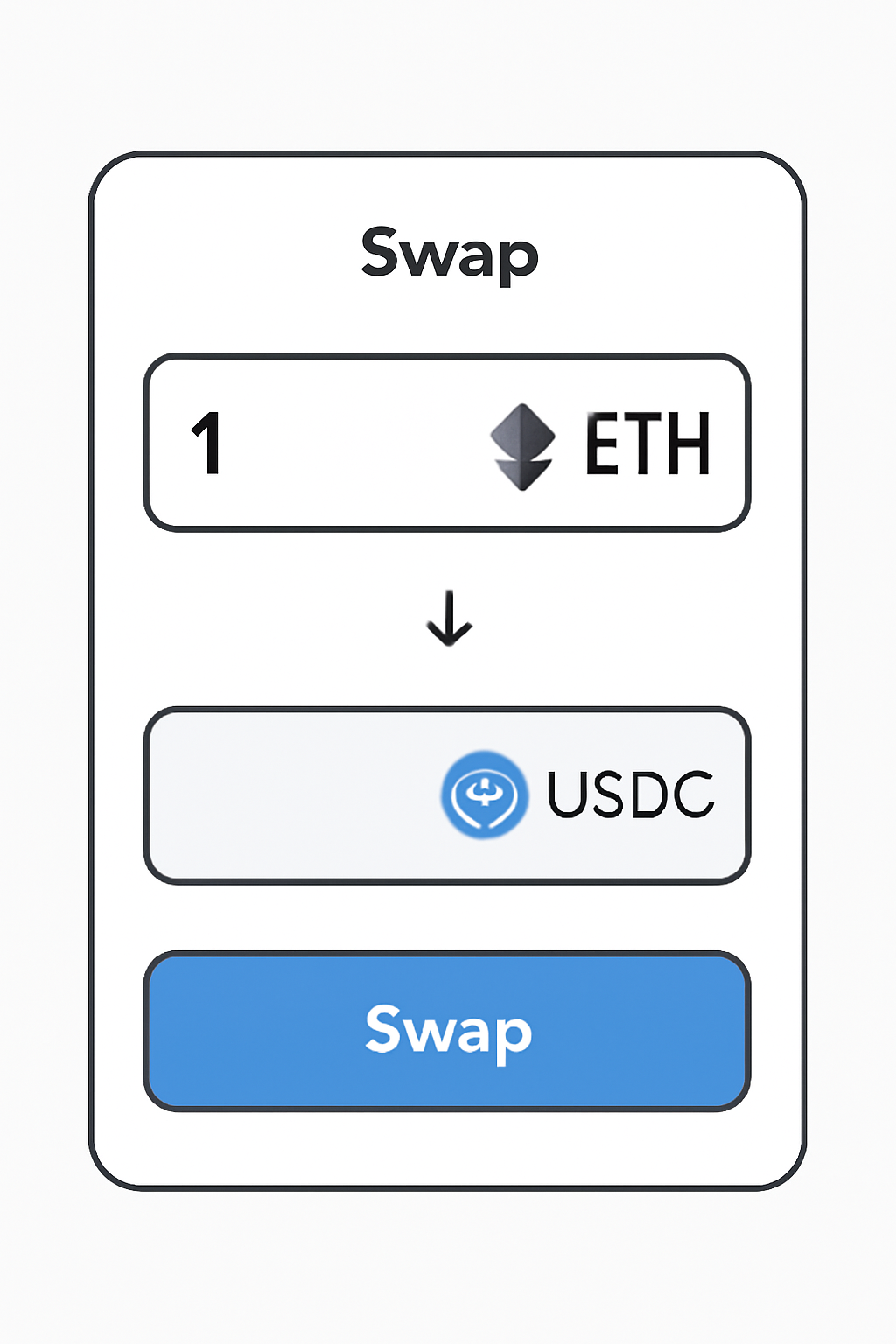
- Swap: For spot trading one asset for another.
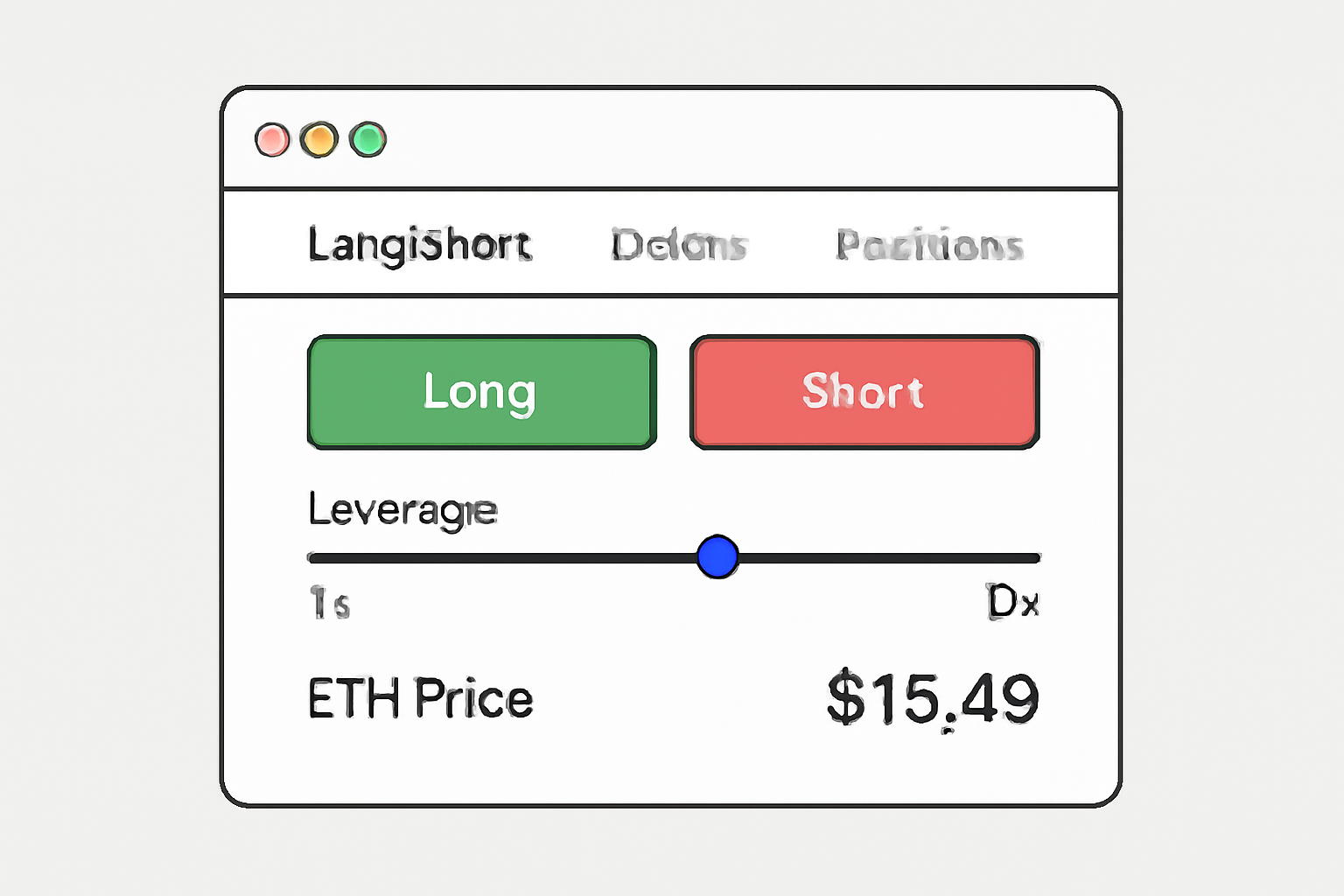
- Long/Short: For leveraged perpetual contracts.
This dual-mode design empowers both casual swappers and sophisticated traders within one platform.
The Mechanics of Spot Swaps vs Perpetual Trading
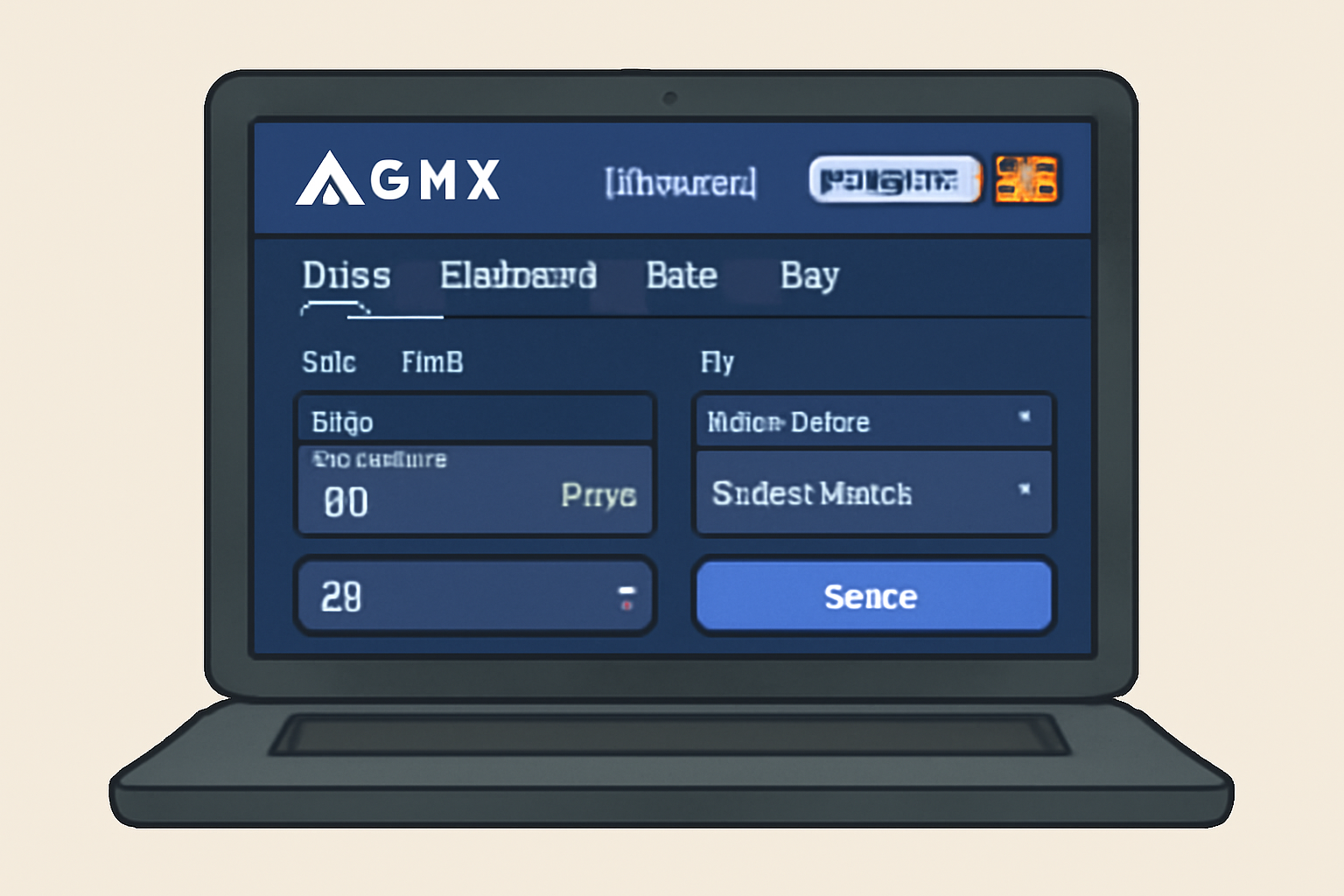
Spot swaps are straightforward: select tokens, enter an amount, review estimated output (including fees), then confirm in your wallet. For those seeking more advanced strategies, perpetual contracts let you go long or short with leverage up to 50x, ideal for expressing directional bets or hedging other DeFi exposures.
How to Execute a Spot Swap vs. Open a Leveraged Position on GMX
The Current State of Play: GMX at $15.49
The current price of $15.49, down slightly (-0.0153%) over 24 hours but holding above its daily low of $15.02, signals ongoing stability despite broader market volatility. This price point offers an accessible entry for new users exploring DeFi derivatives without excessive upfront capital requirements.
GMX (GMX) Price Prediction 2026-2031
Professional outlook for GMX token price based on current market conditions and projected DeFi adoption on Arbitrum.
| Year | Minimum Price | Average Price | Maximum Price | Estimated YoY % Change (Avg) | Market Scenario Insights |
|---|---|---|---|---|---|
| 2026 | $10.50 | $16.80 | $24.00 | +8.5% | Potential recovery from current range, with volatility as DeFi competition intensifies. |
| 2027 | $12.00 | $19.50 | $29.50 | +16.1% | Increased adoption of Arbitrum and DEXs could drive growth; regulatory clarity improves sentiment. |
| 2028 | $13.80 | $23.20 | $36.00 | +19.0% | Bullish phase possible with new GMX features and broader crypto bull cycle. |
| 2029 | $12.50 | $20.90 | $32.00 | -9.9% | Potential market correction as cycle matures; DeFi sector faces new challengers. |
| 2030 | $15.00 | $25.50 | $40.00 | +22.0% | Renewed growth as DeFi infrastructure and Layer 2 adoption accelerate. |
| 2031 | $17.50 | $29.00 | $48.00 | +13.7% | Mature market with GMX established as a leading DEX, but subject to regulatory and tech risks. |
Price Prediction Summary
GMX is expected to experience moderate but steady growth over the next several years, with periods of volatility reflecting broader crypto market cycles. Average prices are projected to rise from around $16.80 in 2026 to $29.00 by 2031, reflecting both expanding DeFi adoption and increasing competition. Maximum price scenarios assume successful platform upgrades and a bullish crypto environment, while minimums factor in bearish market cycles and competitive pressures.
Key Factors Affecting GMX Price
- Adoption and growth of Arbitrum Layer 2 ecosystem.
- Development and integration of new GMX features (e.g., additional trading pairs, improved leverage tools).
- Regulatory changes impacting decentralized exchanges and DeFi.
- General crypto market cycles (bull/bear phases).
- Competition from other DEXs and DeFi protocols.
- Security upgrades and continued reliability of GMX and GLP pools.
- Macro-economic factors influencing risk appetite in digital assets.
Disclaimer: Cryptocurrency price predictions are speculative and based on current market analysis. Actual prices may vary significantly due to market volatility, regulatory changes, and other factors. Always do your own research before making investment decisions.
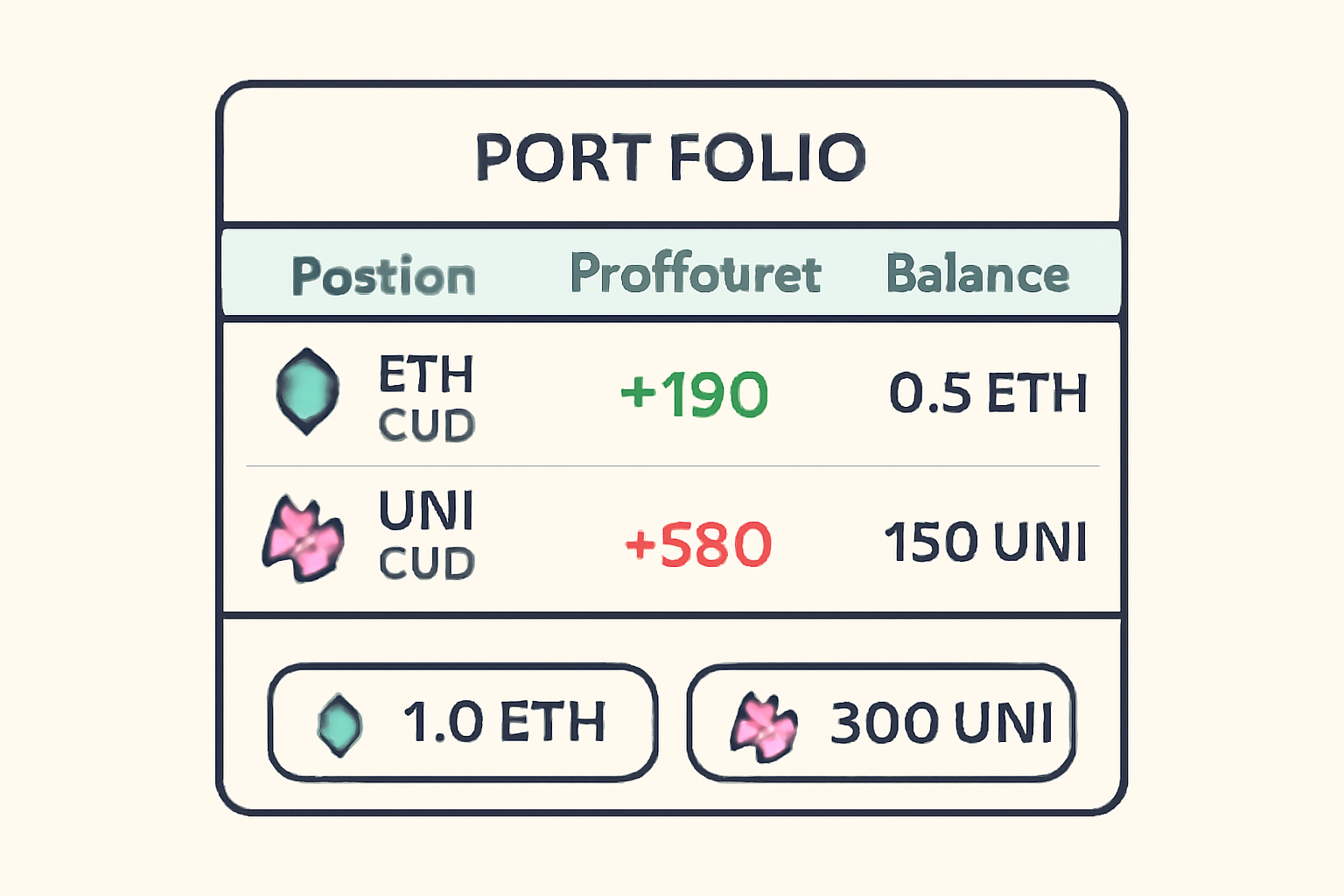
After your first trade, take time to review your open positions under the "Positions" tab. Here you can track real-time profit and loss, manage collateral, and close trades when your targets are met. GMX’s transparency around fees and liquidation prices helps you make informed decisions at every step.
Advanced Features: Risk Management Tools on GMX
One of the most strategic advantages for new traders on GMX is its built-in risk management suite. Setting stop-loss and take-profit orders directly from the trading interface is seamless. These tools are crucial, especially when using leverage, as they help you define acceptable risk parameters and automate exits in volatile markets.
- Stop-Loss: Protects against unexpected downside by automatically closing your position at a preset loss threshold.
- Take-Profit: Locks in gains by closing positions once your profit target is reached.
- Collateral Adjustments: Add or remove collateral to manage margin health as market conditions change.
Earning Yield: Providing Liquidity on GMX
If you prefer a more passive approach or want to diversify your DeFi activity, consider providing liquidity to GMX’s GLP pool. By minting GLP tokens with supported assets (such as ETH, USDC, or BTC), you earn a share of trading fees generated by the platform. This can be an attractive way to capture consistent returns while supporting ecosystem liquidity.
Keep in mind that liquidity provision carries its own risks, including potential impermanent loss if asset prices move sharply. However, GMX’s multi-asset pool structure helps mitigate some volatility compared to single-pair pools found elsewhere in DeFi.
Essential Tips for New Arbitrum Traders
Essential Tips for First-Time GMX Traders
- Set Up and Secure Your Wallet: Use a reputable Web3 wallet like MetaMask and ensure it's configured for the Arbitrum network. Always safeguard your seed phrase and enable extra security features.
- Bridge ETH to Arbitrum Before Trading: Trading on GMX requires ETH on the Arbitrum network for fees and collateral. Use the official Arbitrum Bridge to transfer ETH from Ethereum mainnet.

- Double-Check You're on the Official GMX Site: Only trade at app.gmx.io to avoid phishing scams. Bookmark the site and verify the URL each time you visit.
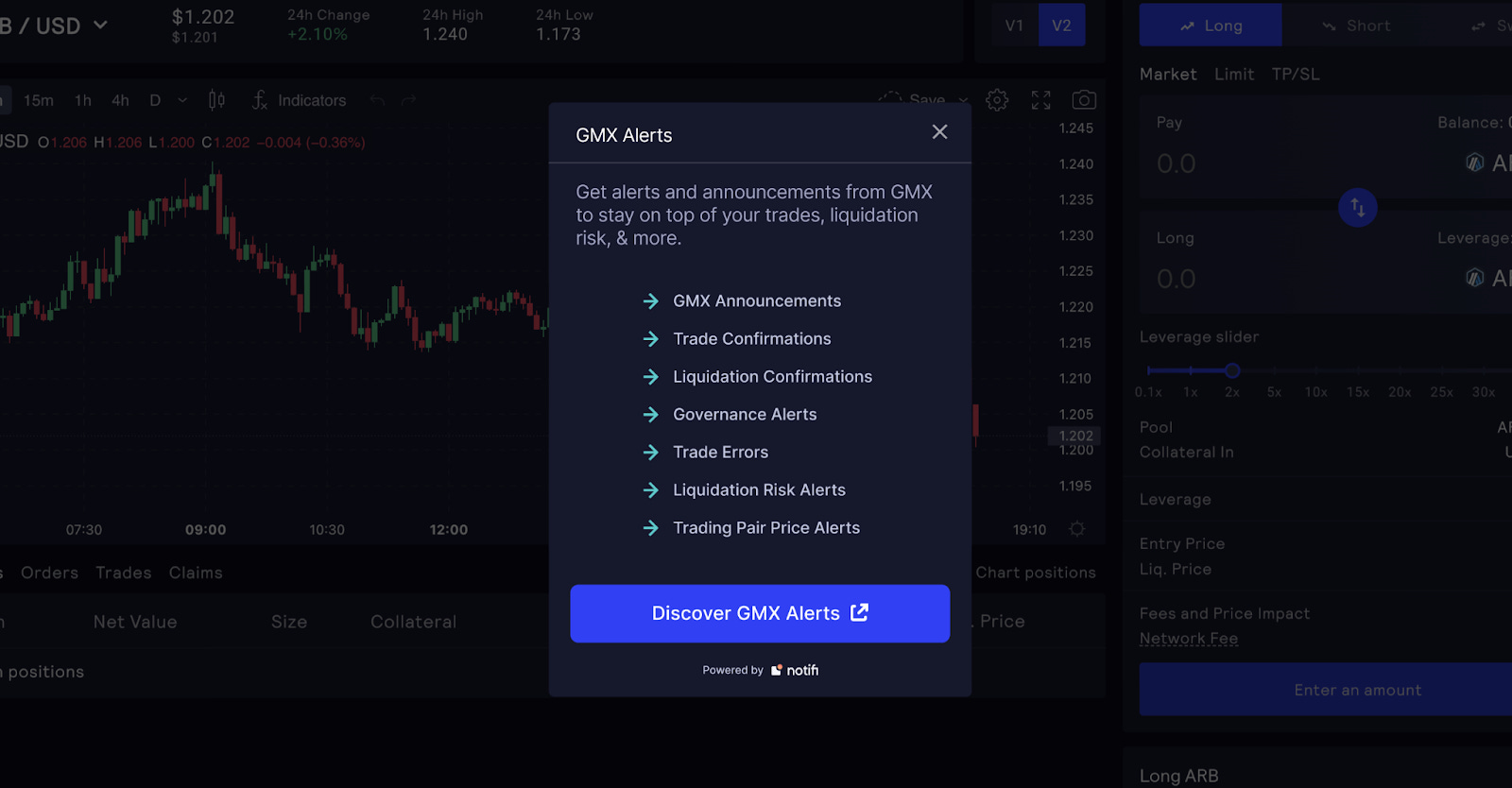
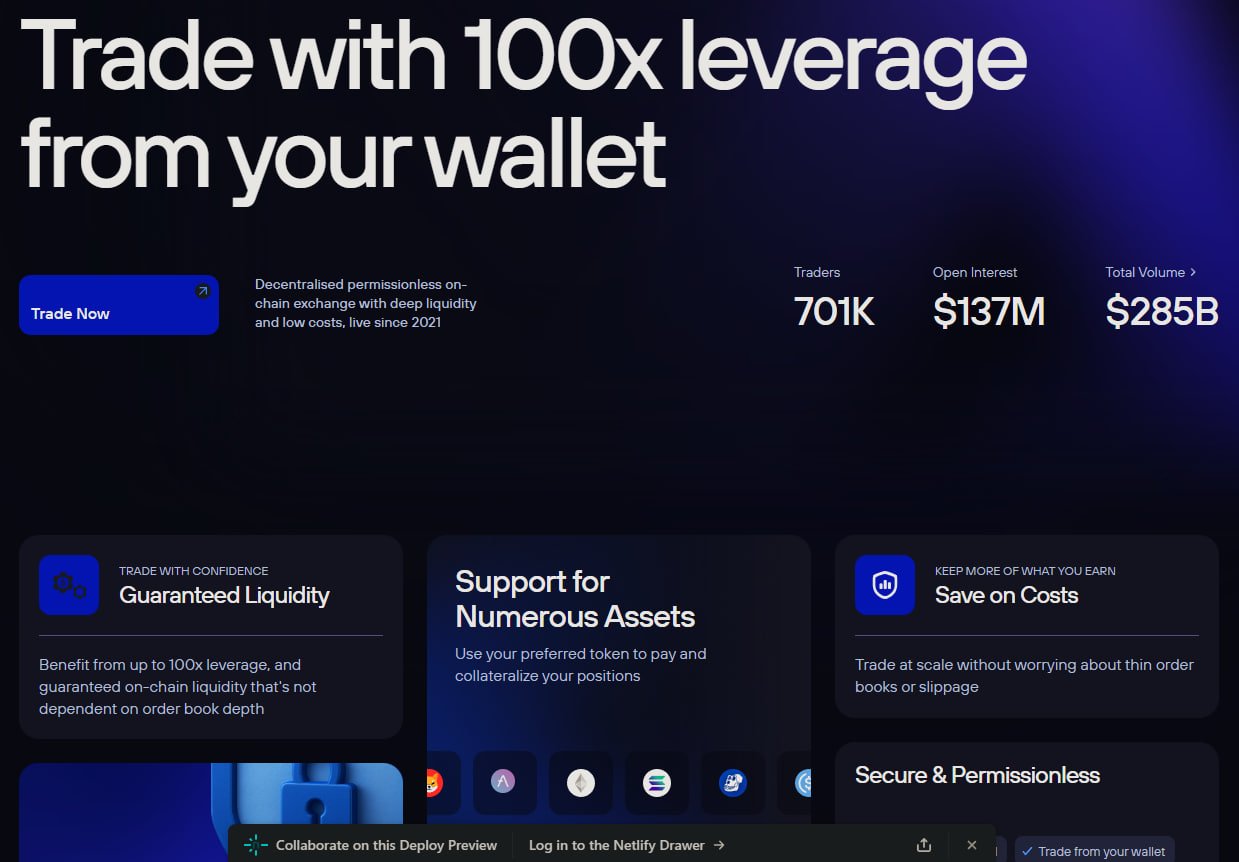
- Understand Leverage and Its Risks: GMX offers up to 50x leverage on perpetual contracts. High leverage increases both potential gains and losses—start with lower leverage and use stop-loss orders to manage risk.
- Review Fees and Funding Costs: GMX charges a 0.1% fee for opening/closing positions and a variable borrowing fee. Check these costs before each trade to avoid surprises.
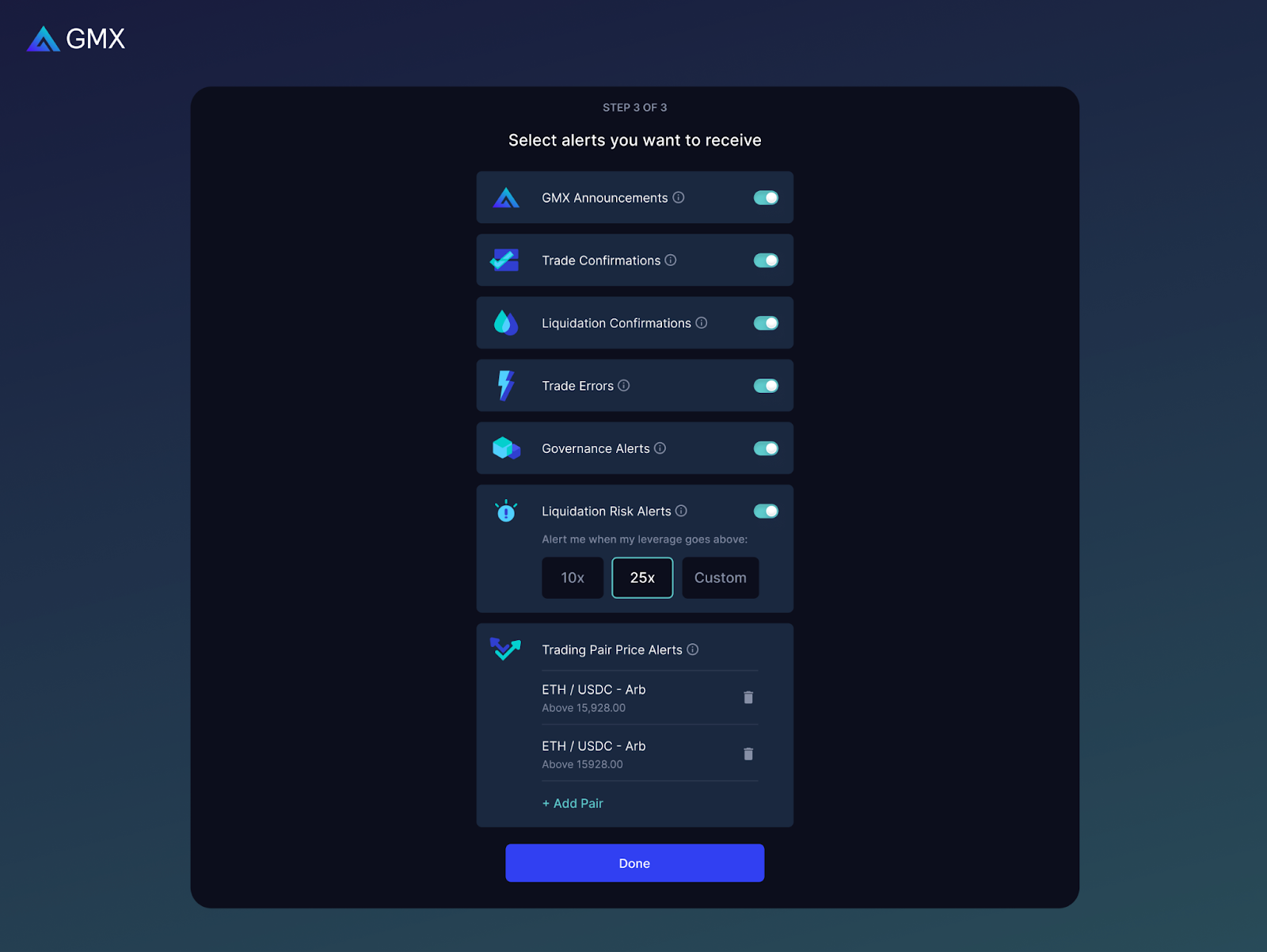
- Monitor Your Positions Actively: Use the "Positions" tab to track open trades, manage collateral, and set take-profit or stop-loss triggers. Regular monitoring helps you respond quickly to market changes.
- Consider Providing Liquidity for Passive Income: Explore the "Pools" section to provide liquidity via GM or GLV tokens and earn a share of trading fees. Understand the risks before participating.
- Stay Informed About Market Movements: GMX's price feeds use Chainlink oracles for accuracy, but always double-check market conditions and news before trading. The current GMX price is $15.49 (24h low: $15.02, high: $15.78).
Success on any DEX comes down to discipline and preparation. Here are some best practices tailored for Arbitrum newcomers using GMX:
- Double-check network settings before confirming transactions, mistakes here can lead to lost funds or failed trades.
- Avoid over-leveraging; use leverage conservatively until you’re comfortable with market swings and liquidation mechanics.
- Monitor fees, including the 0.1% opening/closing fee and variable borrowing costs tied to asset utilization rates (details here). These can add up over time, especially with frequent trading.
- Stay updated on security best practices. Only interact with official URLs and keep wallet seed phrases secure at all times.
Community Wisdom: Learning from Other Traders
The Arbitrum DeFi community is one of the most active in crypto, don’t hesitate to seek advice or share experiences. Many users post trade breakdowns or risk management tips that can accelerate your learning curve. Following relevant Twitter threads or Discord channels will keep you ahead of protocol updates and emerging strategies.
Looking Ahead: Maximizing Your Potential on Arbitrum with GMX
Your journey doesn’t end after your first trade or liquidity deposit. As you grow more comfortable with the platform’s features, spot swaps, perpetual contracts, risk controls, you’ll be able to craft more nuanced strategies aligned with broader market cycles. Remember that consistent review and adaptation are key; what works today may need fine-tuning tomorrow as volatility ebbs and flows across Arbitrum DeFi.
The current price of $15.49 positions GMX as a compelling entry point for those ready to explore decentralized derivatives with professional-grade tools but without centralized gatekeepers. By combining robust analytics with community insights, you’ll be well equipped to thrive in this dynamic ecosystem.
No comments yet. Be the first to share your thoughts!